20 March, 2026
Whiteboard shapes: New shapes, action toolbar and styling options
Whiteboard shapes are now more powerful and expressive. With our latest update, you have more ways to style, layer, and organize your annotations.
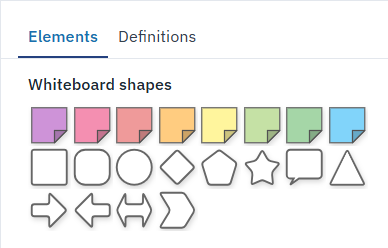
- Expanded shape library & pre-colored sticky notes: Choose from new shapes like stars and arrows, or grab pre-colored sticky notes directly from the Elements tab to skip the styling and jump straight into modeling.
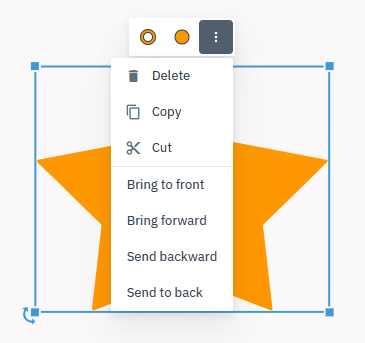
- Action toolbar: Editing is now faster than ever with the new action toolbar. Select any shape for instant access to styling and editing tools — customize colors with the color picker, manage layering, and quickly copy, cut, or delete shapes.
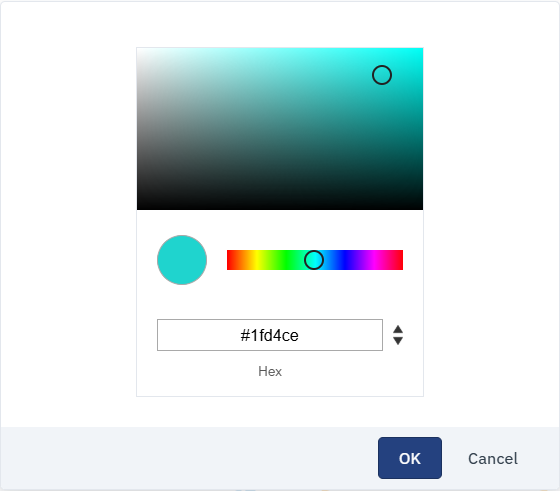
- Custom Colors: You can now customize the fill and border colors of any whiteboard shape. Use the custom color picker in the action toolbar to define exact Hex, RGB, or HSL values.