2 October, 2026
Redesigned main toolbar
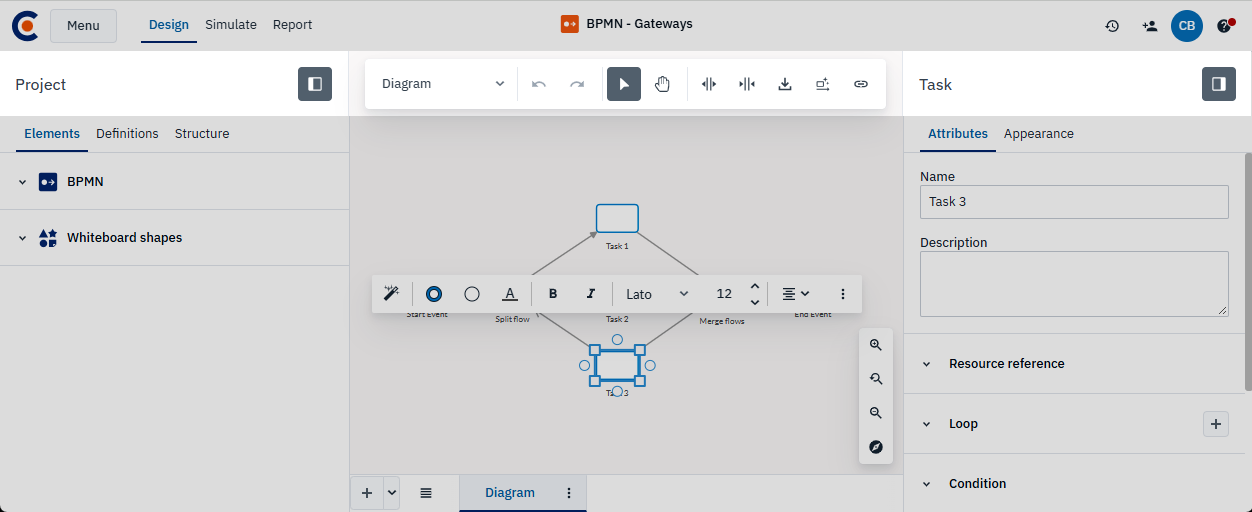
We’ve redesigned the toolbar to give you a cleaner, more focused workspace across Cardanit. The main toolbar now sits at the top of the diagram. It neatly groups all your core tools in one place, so everything you need is right at hand.
Plus, the left panel has a new name: the Project panel. The toggles for the Project and Attributes panels now sit directly above each panel.
Switch element type faster
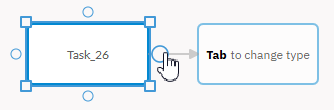
When adding new shapes from connection points, the new Tab to change type action lets you switch between element types on the fly.