Configure Decision Definitions
Definitions is the root container for all the components of a DMN decision model. Cardanit automatically detects and lists all the Definitions in the DMN model.
You add, edit and remove Definitions in the Definitions panel. Alternatively, you can configure Definitions using shortcuts in the Attributes panel of certain Elements.
The Definitions panel is divided into tabs.
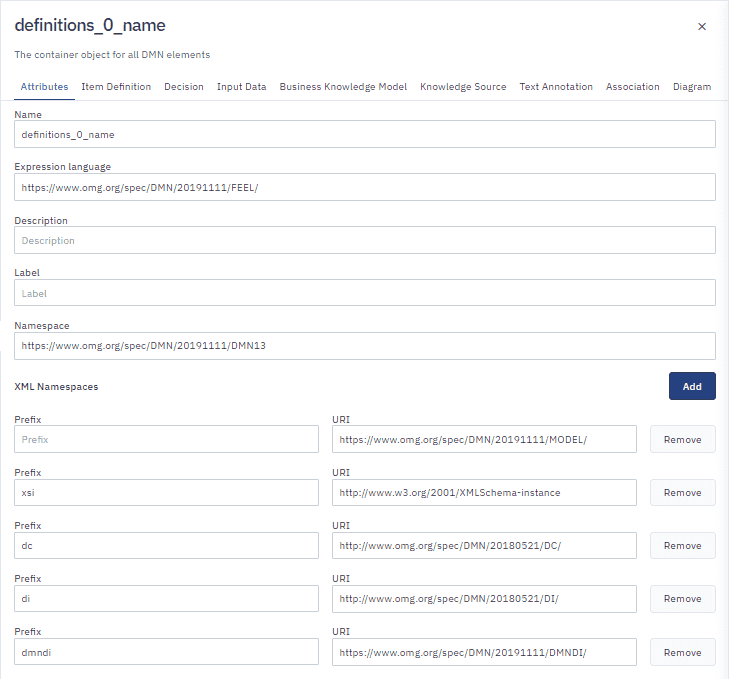
Open Definitions
-
Click anywhere in the diagram.
-
In the toolbar, click
to open the Attributes panel.
Add a definition
This action is applicable to all Definitions except for Attributes.
-
Open the tab of the Definition you want to add, then click Add.
-
Select the Definition and complete the Definition fields.
Edit a definition
- Select the Definition and edit the Definition fields.
Remove a definition
This action is applicable to all Definitions except for Attributes.
-
Open the tab of the Definition you want to remove.
-
Select the Definition, then click Remove.