Analyze diagrams
You can explore your diagram structure to locate specific components and generate a comprehensive process report so you can share your work with others. These tools help to ensure your model is complete and documented before you share it.
Explore decision structure
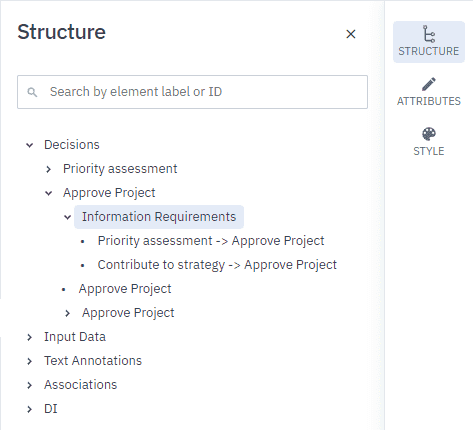
The Structure tab in the Navigation panel displays all the aspects of a diagram in alphabetical order in a real time, synchronized tree structure.
When you add something to a diagram, the tree updates in real time to reflect what you see in the diagram.
When you select an element in the diagram, the element is highlighted in the tree. Once you’ve selected an element you can open the Attributes panel to define its attributes.
View the decision report
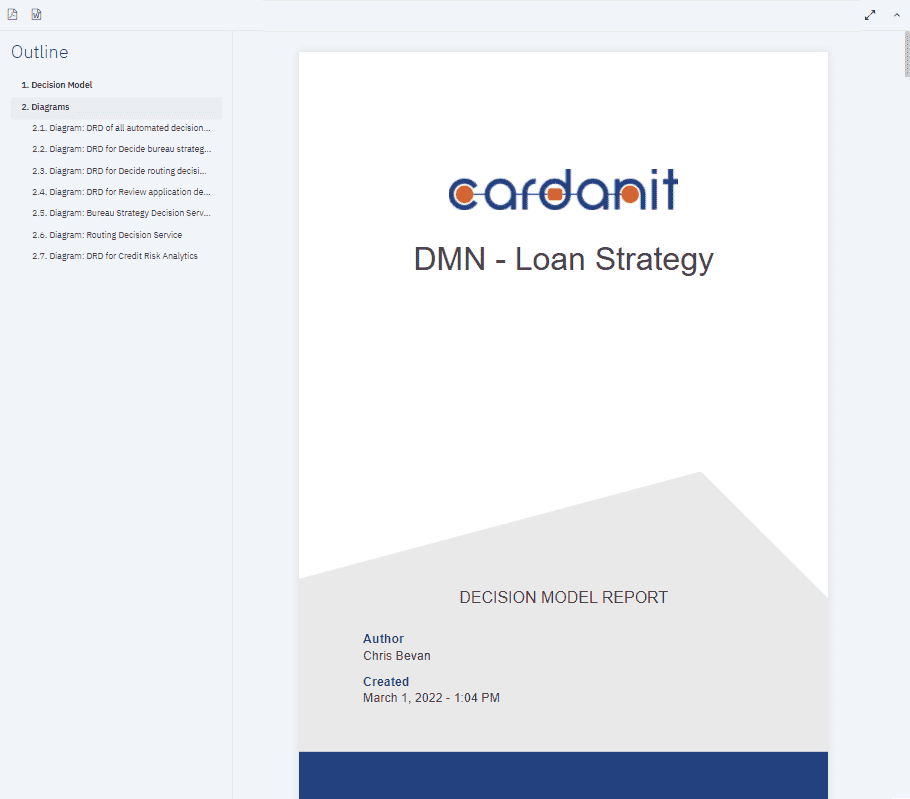
Cardanit generates a comprehensive decision report that enables you to analyze processes offline in a familiar format.
The report is generated in real time and contains all the diagrams in the decision. It includes everything from Attributes and Definitions to diagram graphics and images.
Preview and download the process report on the Report page. You can download the decision report in Microsoft Word DOCX and Adobe PDF format.
Download the report
The process report is available in Microsoft Word DOCX and Adobe PDF format.
- In the Toolbar, click
.