Manage diagrams
You can add, rename and delete diagrams and move diagram tabs in the sequence you prefer.
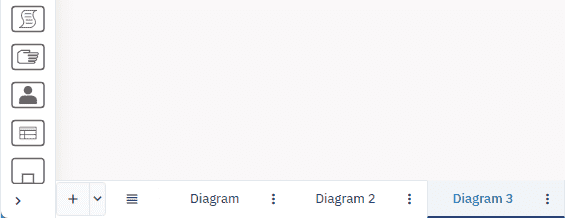
You perform these actions in the diagram tab menu at the bottom of the diagram.
If you have lots of diagrams, click
Add a diagram
To add a diagram:
-
In the diagram tab bar, click
. This places the diagram at the end.
You can also choose where to add a diagram: at the start, at the end, right or left.
- In the diagram tab bar, click
and select an option.
Rename a diagram
-
Click
, then click Rename. -
In the dialog box that opens, give a name to the diagram, then click Ok.
Delete a diagram
If you delete a diagram it can’t be restored.
- Click
, then click Delete.
Move diagram tabs
You can move diagram tabs in the sequence you prefer: left,right, to the start or end.
- Click
, then click Move right, Move left, Move to start or Move to end.