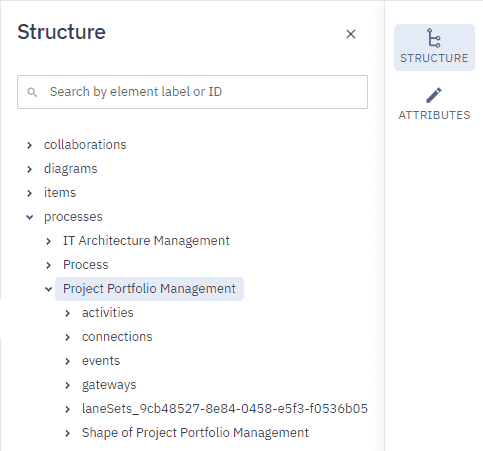
Explore process structure
The Structure tab in the Project panel provides a real-time, alphabetical tree view of every element in your diagram. This hierarchical map helps you maintain a clear overview of complex processes and track exactly how your process is built.
Key features of the Structure tab include:
-
Use the search bar at the top of the panel to quickly filter and find specific elements by name.
-
Add, rename, or remove elements to update the tree list in real time.
-
Select an element in the diagram to highlight its corresponding node in the tree list.
-
Select an element in the tree list to highlight it in the diagram and open its attributes in the Attributes panel.